When you click on links to various merchants on this site and make a purchase, this can result in this site earning a commission. Affiliate programs and affiliations include, but are not limited to, the eBay Partner Network.
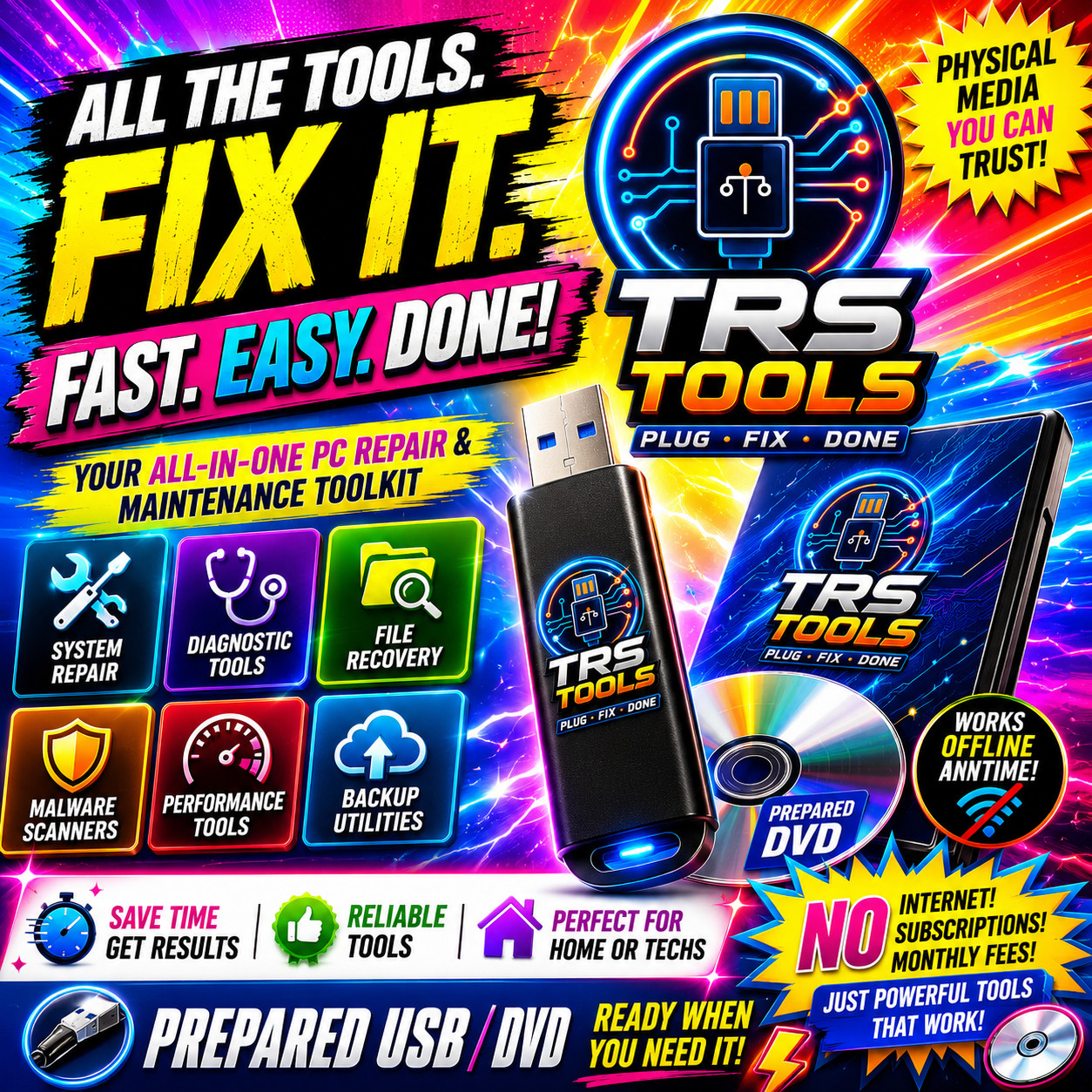
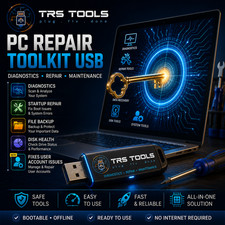
TRS TOOLS • PREPARED BOOTABLE USB MEDIA The Bootable USB Toolkit PC Technicians Keep Ready PC Repair • Recovery • Diagnostics • Backup Support
When Windows will not start, keeps crashing, or needs offline troubleshooting, this prepared USB lets you boot into an independent repair environment without relying on the installed operating system.
Technician-style repair media: This TRS Tools prepared USB is designed for troubleshooting, diagnostics, file backup, drive testing, malware scanning support, and general PC repair tasks on computers you own or are authorized to service. Built for Real-World PC Repair Situations
Used for common computer repair workflows, this bootable USB helps you work from outside the installed Windows environment. That makes it useful when the desktop will not load, Windows is unstable, or you need to inspect, back up, or diagnose a system before attempting repairs.
I have been building, servicing, and repairing computers for 30+ years. This type of toolkit is one of the most useful items to keep available for emergency PC troubleshooting.
Useful For:
- PC will not boot into Windows
- Startup errors and boot failure messages
- Blue Screen of Death / random crashes
- Slow or unstable Windows systems
- Virus, spyware, adware, and malware scan support
- Deleted file and photo recovery support
- Hard drive health checks and diagnostics
- Driver review, backup, and restore support
- File backup before repairs or reinstall work
Key Features — PC Repair & Recovery Suite USB ✅ Utilities on One Bootable USB
Includes organized utility categories for antivirus scan support, data recovery, disk tools, drivers, registry maintenance, boot repair, network troubleshooting, backup, file management, and more.
✅ Boots Outside Windows
Runs from the USB and loads an independent repair environment. Helpful when Windows will not start, is unstable, or needs offline troubleshooting.
✅ Offline Tools — No Internet Required for Many Tasks
Many included tools are available directly from the USB, making it useful for repair situations where internet access is unavailable or the system cannot connect.
✅ No Installation Needed to Launch
Plug in, boot from USB, and start using the repair environment. The USB is prepared as physical bootable media and does not require installation to launch.
✅ Data Recovery Support
Assist with recovering deleted files, photos, and documents from compatible drives when recovery is still possible. Results depend on drive condition and how much the drive has been used.
✅ Offline Virus & Malware Scan Support
Scan for unwanted software from outside the installed Windows environment, which can be helpful when Windows is unstable or suspicious activity is present.
✅ Hard Drive Diagnostics & Cloning Support
Review SMART health information, scan for possible drive issues, benchmark storage, and assist with drive cloning or imaging before replacement or repair work.
✅ Authorized System Information Utilities
Includes tools for reviewing system, network, hardware, and license-related information on computers you own or are authorized to service.
✅ Driver Identification & Backup
Identify missing drivers after a rebuild, review hardware details, and assist with backing up or restoring device drivers on compatible systems.
✅ BIOS & UEFI Boot Support
Prepared for many legacy BIOS and modern UEFI systems. Compatibility depends on the computer’s USB boot support and hardware configuration.
✅ Windows-Based PC Troubleshooting
Useful for many Windows-based PCs including Windows 7, 8, 10, and 11 systems. Legacy Windows XP/Vista systems may vary depending on age, hardware, and USB boot support.
Full Category Breakdown 🔧 Antivirus & Malware Scan Support
Scan for viruses, spyware, adware, trojans, and other unwanted software from a bootable repair environment.
🔧 Backup & Recovery Tools
Back up files, folders, partitions, and important user data before making system changes. Useful before repair, rebuild, or reinstall work.
🔧 BIOS / System Review Utilities
Review system information, boot mode, hardware details, and configuration-related information useful for troubleshooting compatible PCs.
🔧 File Managers & Browser Tools
Browse, search, copy, compare, and manage files outside the installed Windows environment. Helpful when Windows will not load normally.
🔧 Device Driver Utilities
Identify hardware, review driver status, and assist with driver backup and restore tasks on compatible Windows-based systems.
🔧 Disk & Partition Tools
Review, manage, format, clone, and troubleshoot compatible disks and partitions. Useful for repair, backup, replacement, and maintenance workflows.
🔧 Hard Drive Diagnostics
Check drive health, review SMART information, scan for possible drive issues, and help determine whether a hard drive may be failing.
🔧 Boot & Startup Repair Support
Assist with common startup problems, boot-related errors, and Windows repair workflows when the system does not start correctly.
🔧 Network & Internet Tools
Review network settings, troubleshoot connectivity issues, and inspect basic LAN or wireless network information on compatible systems.
🔧 Windows Repair & System Maintenance
Assist with system file review, startup troubleshooting, registry-related maintenance, DLL-related errors, and general Windows repair tasks.
🔧 Startup Management
Review programs and services that may load with Windows. Useful for troubleshooting slow startup, unwanted entries, or system performance issues.
🔧 System Information & Benchmarking
View hardware information including CPU, memory, motherboard, storage, graphics, and overall system details for diagnostic review.
🔧 Security & Maintenance Utilities
Includes utility categories for safe maintenance, file handling, cleanup support, and responsible system servicing on authorized computers.
Compatibility
- Designed for compatible 64-bit PCs
- Useful for Windows-based PC troubleshooting, including Windows 7, 8, 10, and 11 systems
- Legacy Windows XP/Vista systems may vary depending on hardware, age, and USB boot support
- Works with many Acer, Dell, HP, Lenovo, ASUS, Toshiba, Sony, Compaq, IBM, Samsung, and other compatible PCs
- Requires BIOS or UEFI USB boot support
- Recommended minimum: 2GB RAM or higher
What You Receive
- 1x prepared bootable USB drive
- Organized repair and diagnostic utility categories
- No internet connection required for many included offline tasks
- No installation required to launch the bootable environment
- Physical USB media shipped to you
- Combined shipping available on multiple orders
Frequently Asked Questions Q1: My PC will not boot into Windows — can this still help?
Yes. This USB is designed to boot into its own repair environment independently of the installed Windows system. It can be helpful when Windows is broken, corrupted, infected, or too unstable to load normally.
Q2: Do I need to install anything on my PC to use this?
No. Plug the USB into a free port, restart the computer, open the boot menu, and select the USB drive. Common boot menu keys include F11, F12, ESC, or DEL depending on the computer brand.
Q3: I am not a computer expert — is this too advanced for me?
This toolkit is best for users who are comfortable navigating PC settings and reading about tools before using them. It is not a one-click fix. Some utilities are powerful and should be used carefully.
Q4: Will this work on my specific PC brand or model?
It works with many Windows-based desktops and laptops including Acer, Dell, HP, Lenovo, ASUS, Toshiba, Sony, Samsung, Compaq, IBM, and custom builds. Requirements include a compatible 64-bit system, 2GB+ RAM, and the ability to boot from USB.
Q5: Can it recover files I accidentally deleted?
In many cases, recovery may be possible. The recovery tools can assist with deleted files, photos, and documents, including some drives that have errors or were formatted. Success depends on the condition of the drive and whether deleted data has been overwritten.
Q6: How do I enable USB booting on my computer?
Restart the PC and look for a startup prompt such as F2, F10, F11, F12, DEL, or ESC. Enter the boot menu or BIOS/UEFI settings, choose the USB drive, then continue booting. Check your computer manufacturer’s website for model-specific instructions.
Q7: What if my USB does not work when it arrives?
Message me through before leaving response. I test each USB before shipping, but if there is a problem with your order, I will work with you to make it right.
Why Buy From Me? 🛠️ 30+ Years PC Repair Experience
I have been building and repairing computers for over 30 years. This type of toolkit is something I understand and use for real troubleshooting workflows.
⭐ 20+ Years on
I have years of selling experience and take every transaction seriously. Please review my response before buying.
🔍 Every USB Tested Before Shipping
Each USB is checked before it is packed to help confirm it boots into the prepared repair environment.
📦 Fast USPS Shipping
Most orders ship the next business day through USPS and are packed carefully for delivery.
💬 Real Customer Support
Have a question about your order or how to get started? Message me through and I will do my best to help.
🔄 Combined Shipping Available
Buying more than one item? Add items to your cart or message me about combined shipping options.
💿 Specialist in Bootable Repair Media
PC repair tools on prepared physical media are my specialty. You are buying from someone who understands what is on the drive and why it matters.
Important Buyer Notes
- This is a professional-style toolkit. Some utilities require basic PC repair knowledge.
- Please research any unfamiliar tool before using it.
- Use only on computers you own or are authorized to service.
- Results are not guaranteed. Some systems may have hardware failure, severe corruption, or damaged drives that software cannot repair.
- No Windows license, product key, activation service, paid software license, or operating system license is included.
- This is not digital delivery. You receive prepared physical USB media.
- USB brand, color, size, and style may vary depending on available stock.
TRS Tools
Prepared Physical Media • PC Repair Support • Buyer-Focused Setup
Add this to your toolkit and be prepared for common Windows repair situations.```